View Instagram Profile Pictures in Full Size
iZoomer helps you open public Instagram profile photos in HD so you can zoom, inspect, and download in seconds.

What is iZoomer?
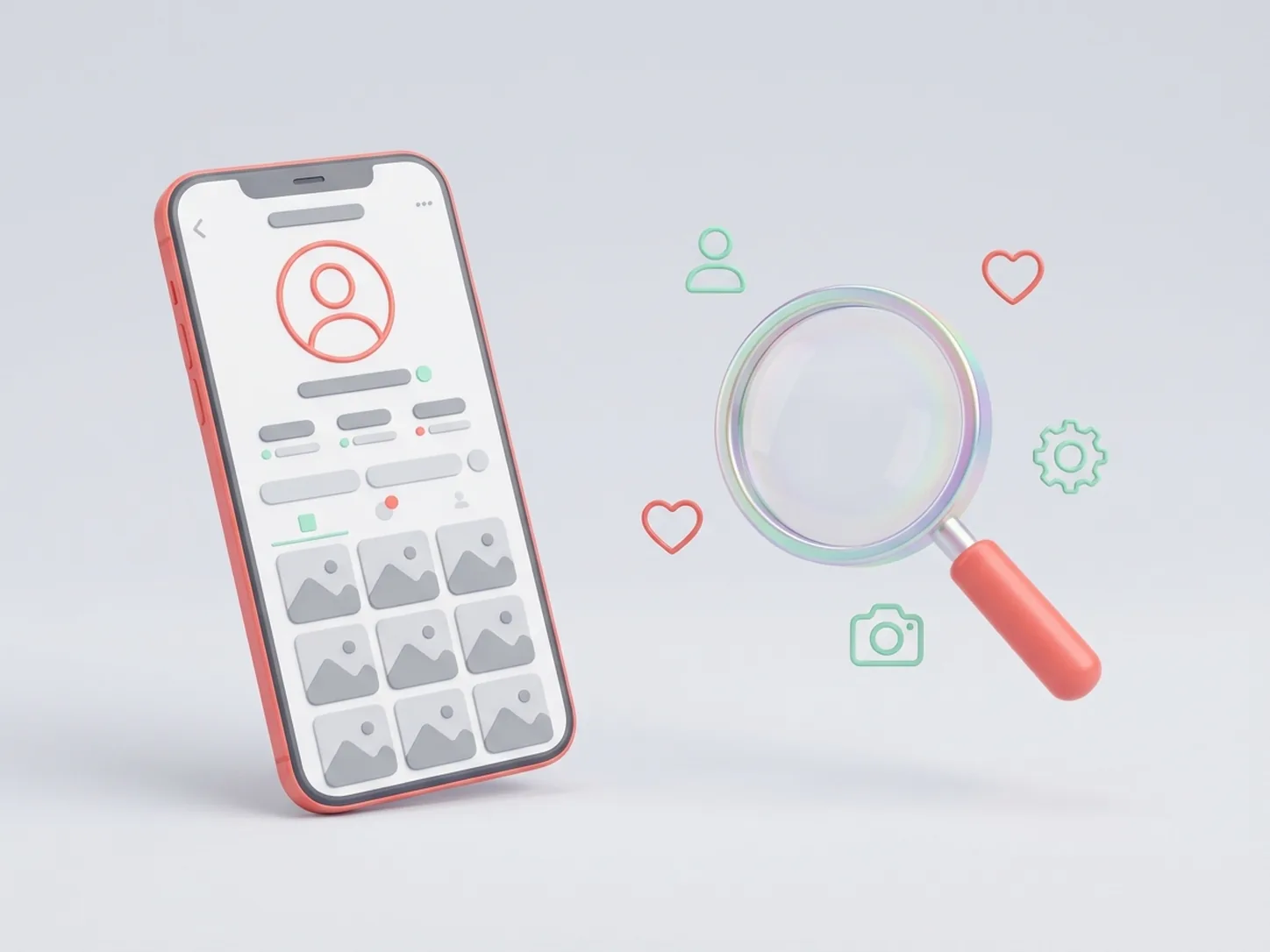
iZoomer is a web tool for viewing public Instagram profile pictures at full size. Paste a username and get a larger profile image instantly.
Full-size profile photos
Open public Instagram avatars in a larger resolution for clearer viewing.
Fast username lookup
Find a profile image quickly by entering a username with or without @.
Anonymous browsing
No account sign-in required for basic viewing of public profile photos.
Download-ready output
Save profile pictures directly after previewing the full-size image.
See the difference: Standard vs 1080P Ultra HD
Drag across the image to compare a native compressed Instagram thumbnail with iZoomer's full-size original.

 150px pixelated (Instagram app)1080P Full HD (iZoomer)
Drag the handle or use the arrow keys to compare
Lossless extraction
Pulls the highest-resolution original straight from the public source.
Anti-blur engine
No crop pixelation or compression artifacts.
Private zoom
Inspect fine details anonymously, no login needed.
How to use iZoomer
Get a public Instagram profile picture in full size with this quick workflow:
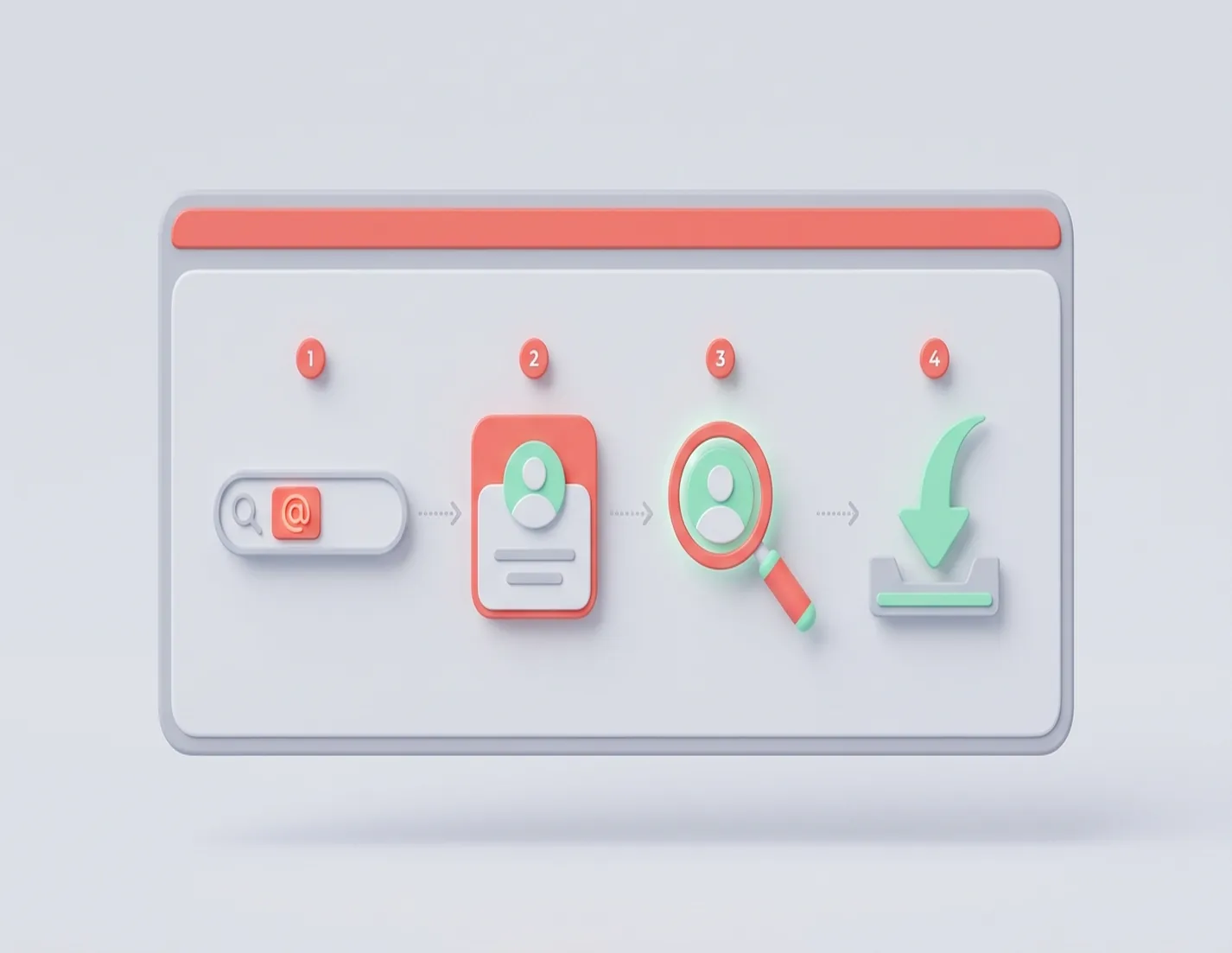
Enter an Instagram username
Paste a username (for example: @username) into the search field.
Open the profile image
iZoomer loads the public profile picture and prepares a larger preview.
Zoom for details
Inspect image details with the zoom view before downloading.
Download in one click
Save the profile picture from the preview panel when needed.
Key features of iZoomer
Everything you need for quick public Instagram profile picture viewing.
Profile username search
Quickly fetch public profile images by entering a username.
Large image preview
Open profile photos in a larger size for better clarity.
Zoom support
Inspect image details before saving the photo.
One-click download
Download the displayed profile image directly.
Mobile-friendly interface
Use iZoomer smoothly on desktop and mobile browsers.
No sign-up for basic use
Start viewing public profile pictures immediately without creating an account.
What iZoomer can and can't do
Clear limits, no surprises: public content only.
Open HD profile pictures
View public avatars in full size and inspect every detail.
Look up without logging in
No account, no password — just enter a public username.
Viewer only
iZoomer can't post, like, follow, or send messages.
No private profiles
Private accounts stay private and are never supported.
No passwords, ever
iZoomer never asks for your Instagram credentials.
No private stories or messages
Only publicly available content can be previewed.
Inputs and outputs
What you can enter — and what you get back.
@username or profile link
Enter @username or paste a full Instagram profile URL.
Full-size previews
Open public avatars as large HD images.
Public only
Private content is never loaded or stored.
iZoomer in numbers
Simple facts about the tool.
100% Free for public profile lookups
Free for public profile lookups
4 Interface languages: English, Deutsch, Nederlands, 中文
Interface languages: English, Deutsch, Nederlands, 中文
Public only Private profiles are never supported
Private profiles are never supported
Latest updates
Recent improvements to iZoomer — see the full changelog for details.
iZoomer 2.0 Released
Content tabs, German locale, faster cached lookups, and stronger fair-use protection
iZoomer 1.0 Released
iZoomer launches: HD public profile viewer with API endpoints — free, anonymous, no login
Latest from the blog
Fresh guides on sharper lookups and safer viewing.
Why Is the Instagram Profile Not Found?
Fix spelling, private-account, and rate-limit issues when an Instagram lookup fails.
JPG vs PNG for Instagram Profile Pictures
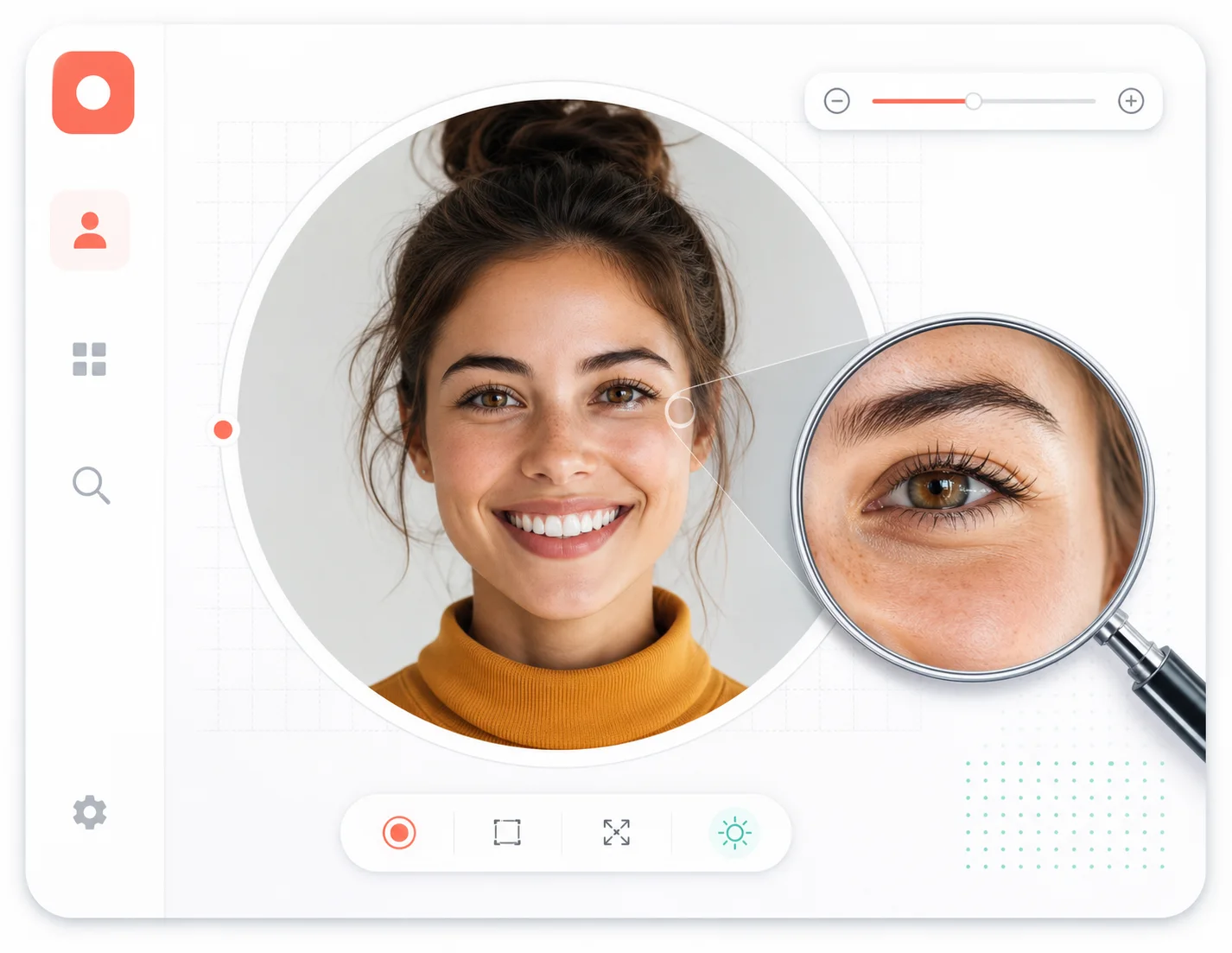
When to upload JPG and when PNG wins for sharp Instagram avatars — and what Instagram does to both.
Is iZoomer Safe and Legal to Use?
What data iZoomer touches, what it never touches, and where your rights as a viewer or owner stand.
Who uses iZoomer
Made for anyone who needs a closer look at public Instagram profiles.
Designers
Check avatar sharpness before adding accounts to mood boards.
Managers
Verify public profile details before outreach.
Researchers
Review public accounts in seconds, without logging in.
Frequently asked questions
Everything you need to know before using iZoomer.
Still need help? Contact support@izoomer.app — see /contact.
Ready to zoom Instagram profile photos?
Use iZoomer to view public Instagram avatars in larger size within seconds.